Prints Not Sticking? How to Fix 3D Print Bed Adhesion
A good first layer is the foundation of every successful 3D print. If your prints are lifting at the corners, coming loose half-way through or turning into "spaghetti", work through these fixes in order.
1. Clean the bed
Fingerprints and dust are the most common culprits. Wipe the build surface with isopropyl alcohol and avoid touching it with your fingers.
2. Level the bed and set the nozzle height
If the nozzle is too high, the first layer just lays on top and doesn't grip; too low and it scrapes or blocks. The first layer should be slightly squashed into flat, joined lines. Re-level and adjust your Z-offset until it looks right.
3. Check temperatures
Most materials stick better with a heated bed. Use the bed temperature recommended for your filament, and try raising it by 5°C if you still have problems. A slightly hotter first layer of filament also helps.
4. Slow down the first layer
Print the first layer at a much slower speed than the rest, and turn the cooling fan off or down for the first few layers.
5. Use brims and good design
A brim (a thin, flat border added in your slicer) increases the contact area and stops corners lifting. It peels off easily afterwards.
6. Try a different build surface or adhesive
Some materials need a helping hand:
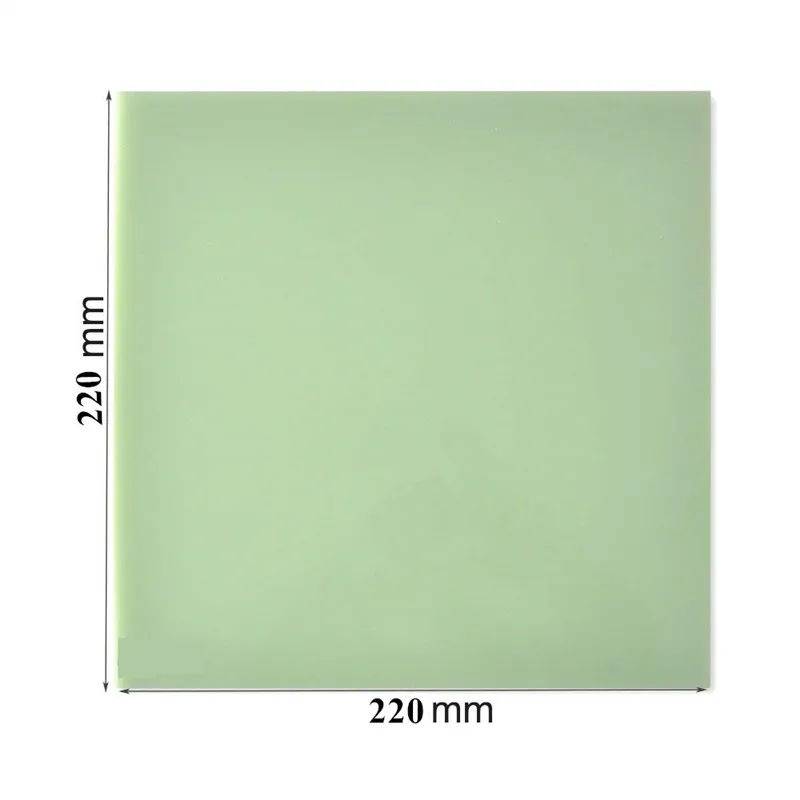
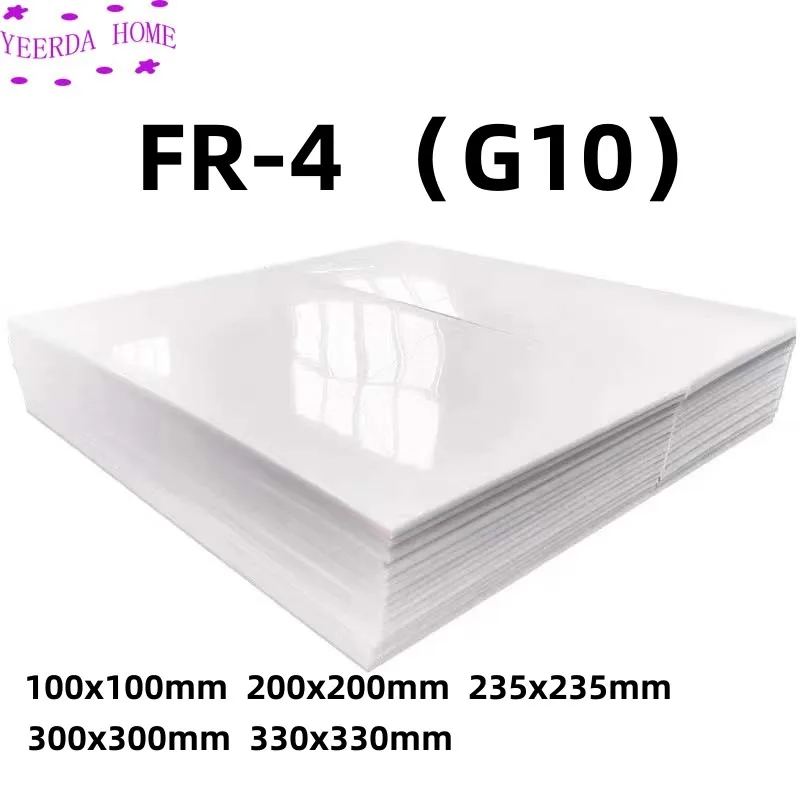
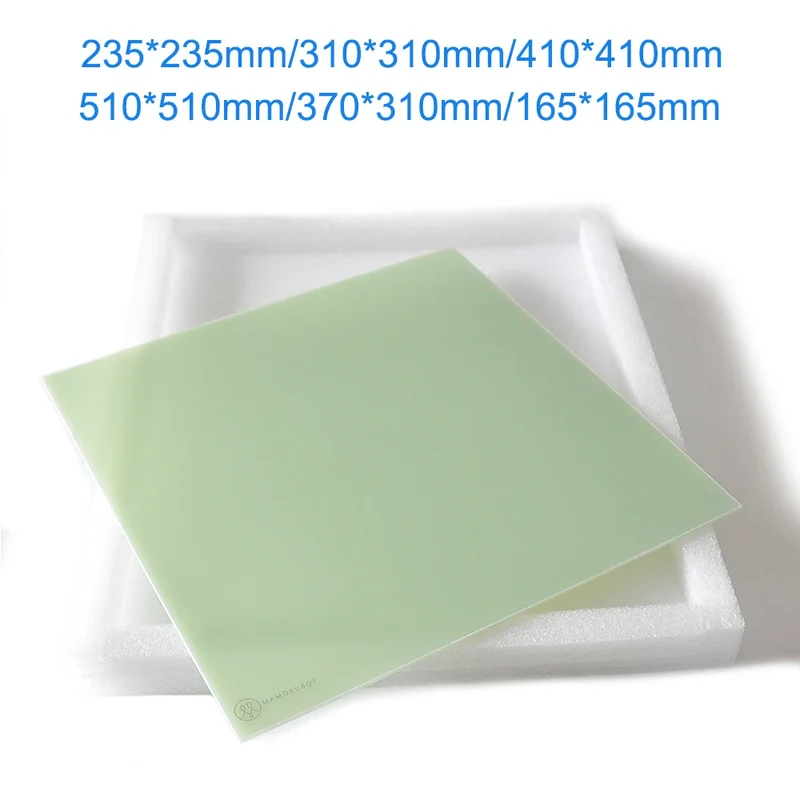
- Removable build plates such as textured or PEI-type sheets grip well when hot and release when cool.
- Bed adhesive glue gives an extra layer of grip on glass beds.
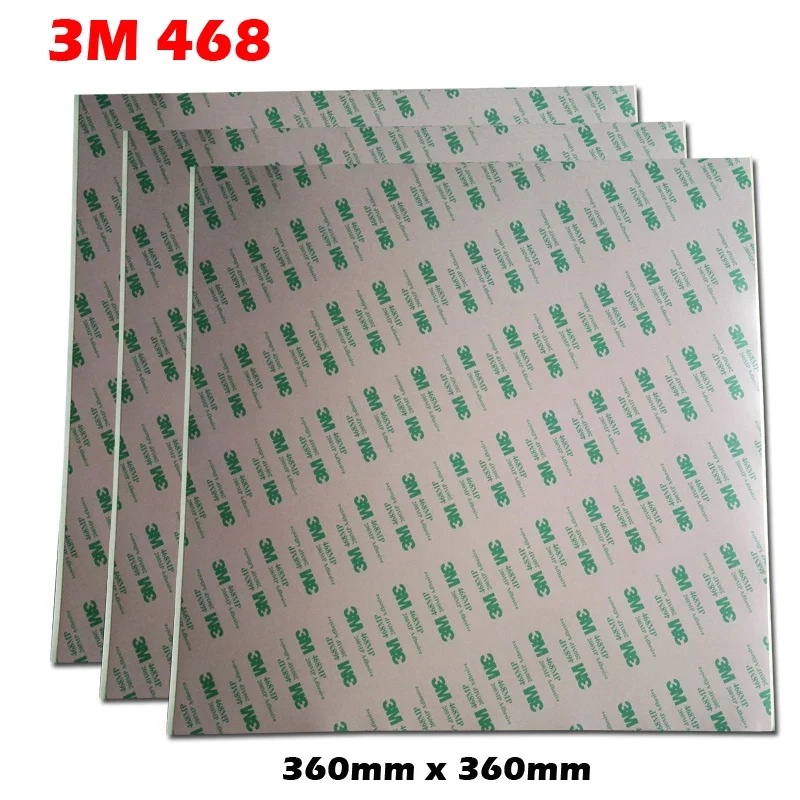
- PP filament sticks best to a polypropylene build plate or tape.
7. Stop draughts
Cold air from open windows or air conditioning makes prints cool unevenly and warp. An enclosure helps with materials like ABS and nylon.
Shop build plates, bed adhesives and tape in our 3D printing accessories.